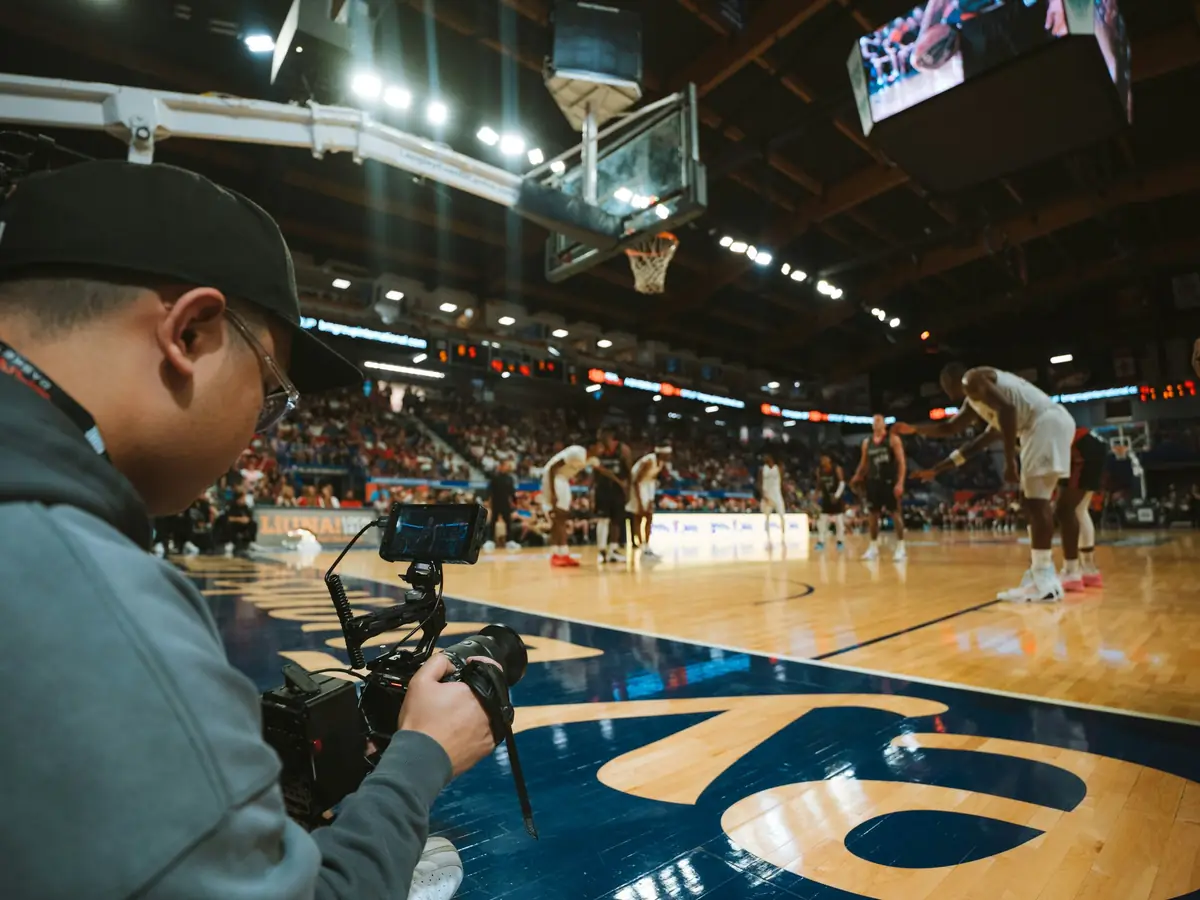
Film for Neon
Turn a day at the gym into highlights families actually want — and earn half of every one they buy. Get the capture app and start filming at your next game.
Why film for Neon
Film a court you are already sitting at
Parents, aged-out players, film students, and local videographers. You cover a court with your phone and our capture app — no crew, no rig, no roster access.
Capturing highlights is easy
You never type during a game. Tap the screen when something happens, and the app keeps the footage around that moment for you to turn into a highlight afterwards.
Tag and publish after the game
Jump to each marked moment, pick the jersey numbers, trim, and publish. Highlights go up tagged by tournament, court, game, team, and number.
Earn 50% of every sale
Every time a family buys one of your highlights, half the sale is yours — tracked in the app and cashed out to your bank when you choose.
Getting started
- You are here
- 01
Get the app
Download Neon for iPhone or Android.


- 02
Sign in with your email
We email you a code — there is no password to remember. You need to be 18 or older to hold an account.
- 03
Set up payouts
Connect your bank through Stripe, right in the app. Sales are ready to cash out after 7 days, with no minimum.
- 04
Film, then tag
Tap when something happens during the game. Afterwards, tag the jersey numbers on each moment and publish.
First payout
Your sales show under Earnings. Cash them out to your bank anytime.
What you need to film
A recent phone, a way to keep it charged and steady, and a tournament you can get to. That is genuinely it — everything else is the app.
Film as much or as little as you want. Cover a court all weekend, or catch a single game while you are already in the stands — one great highlight is worth publishing.
Games with a bonus
When nobody is covering a court, a family can put money on that game. Those requests are public — the venue, the court, the time, the team and the jersey they want filmed — and any videographer can take one. They show up in the capture app under Game Bonuses, nearest first, and on the board.
Tapping Want to film this? tells the family somebody is coming. It reserves nothing and commits you to nothing — it is a courtesy, not a booking, and it does not put you in the drawing. Filming does.
Film it and publish as usual. Forty-eight hours after the game ends, one videographer is drawn from everyone who filmed it and takes $15 of the $20, on top of their usual half of whatever sells. The draw runs first among those whose highlights tag the jersey the family asked for, so tagging that player is what puts you in the smaller pool. If nobody caught that player, everyone who filmed the game is in it instead.
What counts as covering it: at least three highlights, spread across half an hour or more of the game, filmed at the venue. A few clips from the same minute, or footage shot somewhere else, won’t enter the drawing — the bonus is there to get the game genuinely covered. When you start recording a bonus game the app checks your location and tells you if you’re not at the venue; you can still film, it just won’t count toward that bonus.
Two families can put a bonus on the same game. Those are two separate drawings, and one videographer can win both — nothing is pooled and nothing is split. If nobody films the game at all, the family is not charged and nobody is paid.
A family whose bonus paid for a game keeps that game’s highlights. If you unlist them later they come off Neon for everyone else, but that family can still watch and buy them — and you still earn your share of anything they buy.
A bonus you win shows up on your Earnings screen beside your sales, and cashes out the same way after the same 7-day wait. The hourglass beside it shows the day it becomes available.
The rules, because it is youth sports
- Film the game. Gameplay only — not spectators, not players off the court.
- No names. Highlights are identified by jersey number and team, never by a player’s name.
- Stop when asked. If a parent, coach, official or venue staff asks you to stop, stop — whether or not you agree.
- Follow venue rules. Some tournaments restrict or prohibit filming. Know the rules where you are.
- Never make contact. Do not use footage or the app to find, follow or reach a player or their family.
The full terms are in the Videographer Agreement. What you earn depends entirely on which highlights families choose to buy — there is no guaranteed amount.
Questions before you start?
Ask us anything about filming, tagging, or getting paid — or read exactly how earnings and payouts work in the Videographer Agreement.
Apple and the Apple logo are trademarks of Apple Inc., registered in the U.S. and other countries. App Store is a service mark of Apple Inc. Google Play and the Google Play logo are trademarks of Google LLC.